
Professional Headshot Studio
Frame and standardize a supplied portrait for professional profiles with exact formats, background treatments and manual tonal controls.
Identity and property studio
Professional Headshot Studio
Frame and standardize a supplied portrait for professional profiles without changing facial identity.
Live framing preview
Output
1000 × 1250
Adjustments
100% / 100%
Processing
Local browser
About the Professional Headshot Studio
Professional Headshot Studio standardizes a portrait you already own for business profiles, team directories and speaker pages. Choose a square, portrait or compact format and manually control the crop instead of relying on unpredictable face generation.
Background colours appear behind transparent portrait cutouts. Brightness and contrast adjustments affect the supplied portrait pixels but do not invent clothing, hair, facial details or a different identity.
Export PNG or JPG and save the positioning settings as JSON for a repeatable team-photo system. Portraits and exports stay in the browser.
Key features
- Square, portrait and compact output formats
- Six professional background presets
- Custom background colour
- Manual portrait scale and placement
- Brightness and contrast controls
- High-resolution live Canvas preview
- PNG, JPG and settings exports
- Deterministic example portrait
- Private browser processing
How to use
- 1Upload a clear portrait you have permission to use or load the example.
- 2Choose the profile format required by the destination.
- 3Select a background appropriate for the brand and source cutout.
- 4Adjust scale and position with comfortable space above the head and around the shoulders.
- 5Use restrained brightness and contrast adjustments.
- 6Export and verify the final crop at its actual display size.
Examples
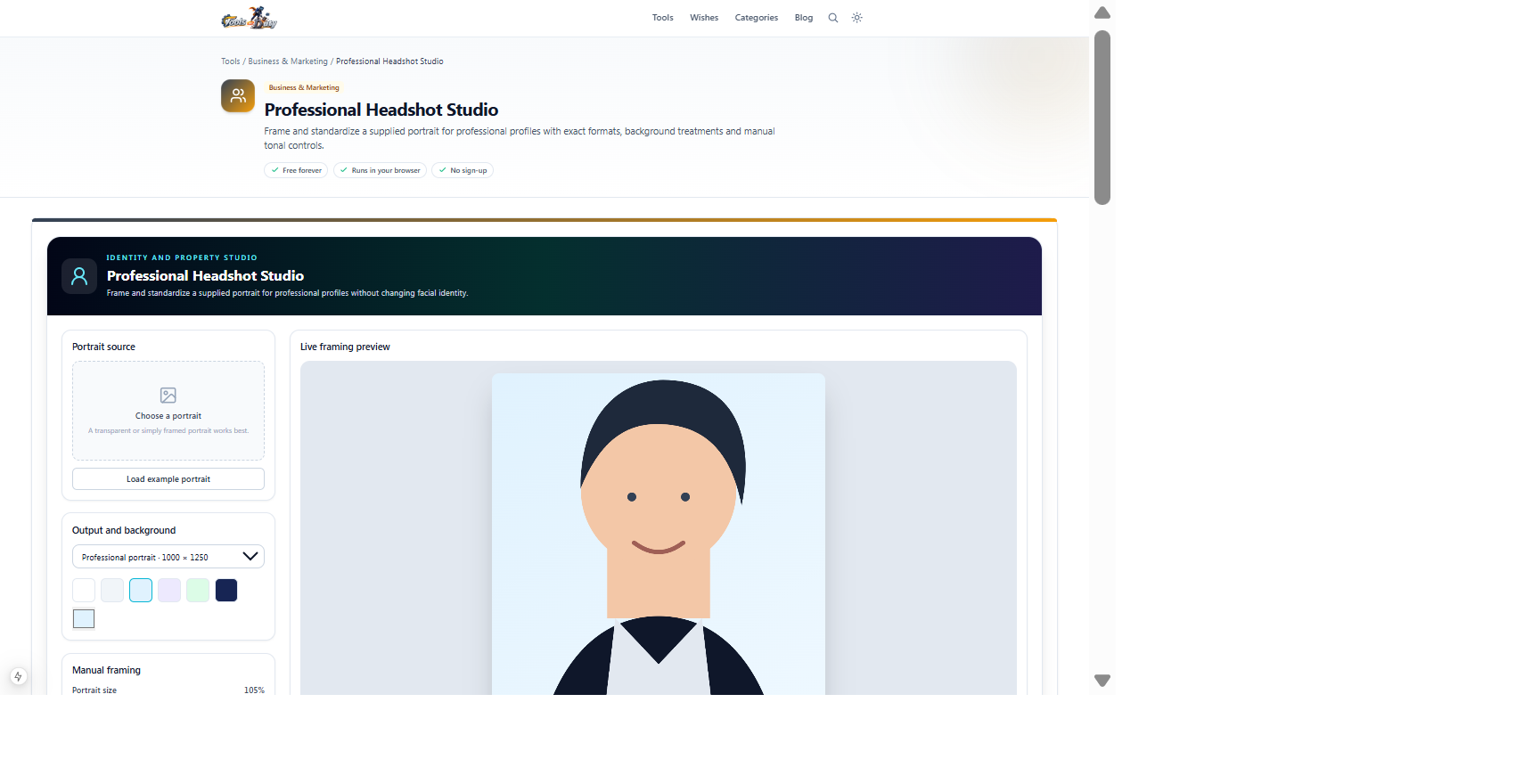
Transparent portrait, professional portrait format, pale-blue background and centred shoulder crop1000 × 1250 PNG or JPGClick Load example portrait to understand framing, then replace it with an approved team photograph.
Frequently asked questions
- Does this generate a new face or business clothing?
- No. It only frames and adjusts the portrait supplied by the user.
- Why is my original background still visible?
- A normal JPG includes its background pixels. Use a transparent portrait cutout when you want the selected studio background to appear around the subject.
- Can I use this for official identity documents?
- No. Official documents have specific capture and verification requirements. This studio is intended for professional profile imagery.
- Are portraits uploaded?
- No. Composition and export run locally.
Continue your workflow
Open a related tool to prepare your files or refine the finished result.
- Featured toolImage ToolsBackground Remover
Remove the background from a photo with in-browser AI and download a transparent PNG.
Open tool - Image ToolsImage Cropper
Crop an image to any area or aspect ratio with a draggable selection, then download it.
Open tool - Image ToolsImage Resizer
Resize an image to exact pixels or a percentage, keeping the aspect ratio, then download it.
Open tool