
Image to Spreadsheet Studio
Extract a photographed table locally, compare it with the source image, correct individual cells and export a reviewed Excel workbook.
Document Intelligence Studio
Image to Spreadsheet Studio
Extract a photographed table locally, correct the cell grid beside the source and export a reviewed XLSX workbook.
Source preview
Editable spreadsheet preview
About the Image to Spreadsheet Studio
Image to Spreadsheet Studio converts table screenshots and clear photographs into an editable cell grid. OCR recognizes the text locally and estimates columns using tabs or visible spacing.
The source image stays visible while every detected cell can be corrected. Add or remove rows and columns before export instead of discovering recognition errors after opening the workbook.
The XLSX export uses a real workbook with automatic column widths, a bold frozen header and an autofilter. CSV and JSON exports are also available for systems that do not require Excel formatting.
Photographs contain pixels rather than true spreadsheet structure. Merged cells, formulas, borders and semantic data types cannot be reliably recovered, so verify decimal points, dates, identifiers and totals before operational use.
Key features
- Source-image preview
- Six local OCR languages
- Editable spreadsheet-style cell grid
- Automatic row and column detection
- Add and remove rows
- Add columns and correct individual cells
- Row and column summary
- Real XLSX workbook export
- Bold frozen header and autofilter
- CSV and JSON exports
How to use
- 1Upload a straight, high-resolution table screenshot or photo.
- 2Select the table language and run extraction.
- 3Compare detected rows and columns with the source image.
- 4Correct cells and add or remove rows and columns as required.
- 5Verify decimals, dates, identifiers and totals.
- 6Download the reviewed XLSX, CSV or JSON output.
Examples
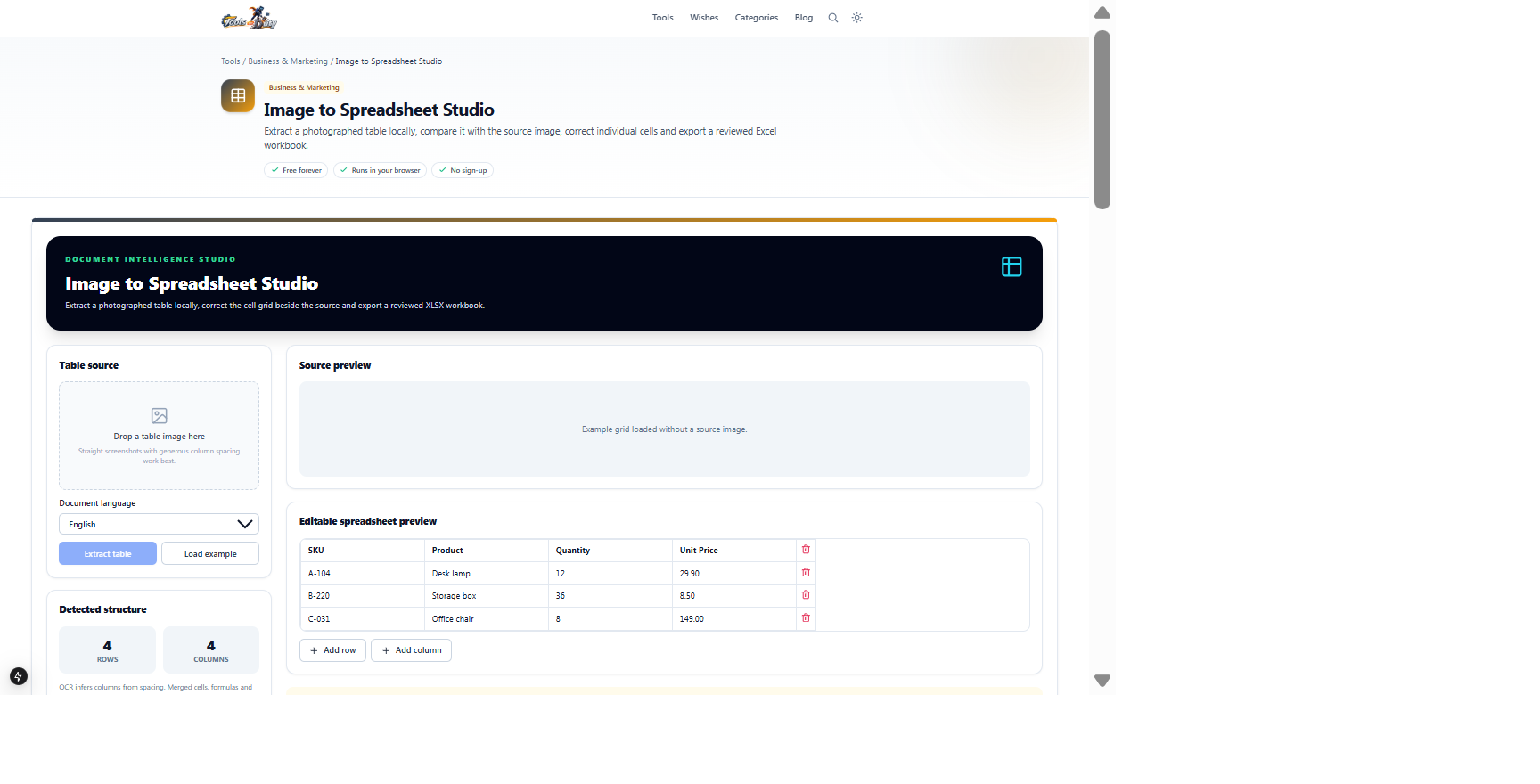
Four-column inventory table containing SKU, product, quantity and unit priceEditable cell grid with XLSX, CSV and JSON exportsClick Load example to inspect row and column editing without OCR. Uploaded tables still require cell-by-cell review before operational use.
Frequently asked questions
- Will merged cells be preserved?
- No. OCR sees pixels, not spreadsheet structure, so merged cells and formulas cannot be recovered reliably.
- Why did two columns combine?
- Column detection depends on visible spacing. Use a straight, tightly cropped, high-resolution image.
- Can I edit cells before download?
- Yes. Every detected cell is editable and rows or columns can be added or removed.
- What does the XLSX file include?
- The reviewed cell values, automatic column widths, a bold frozen first row and an autofilter.
- Is the table uploaded?
- No. OCR and workbook generation run locally in the browser.
- Can it recover formulas?
- No. Only visible text is recognized; original formulas and data types are not available in image pixels.
Continue your workflow
Open a related tool to prepare your files or refine the finished result.
- Image ToolsImage to Text
Extract editable text from photos, screenshots and scanned images with local OCR.
Open tool - Business & MarketingReceipt Review Studio
Extract receipt fields and line items locally, compare them beside the source image, correct errors and run arithmetic validation before export.
Open tool - PDF ToolsPDF to JSON
Convert PDF text and layout into structured JSON with pages, lines, cells and coordinates.
Open tool