
Invoice Generator
Design a branded professional invoice with premium themes, logo, cover image, flexible line items, taxes, discount, payment details and signature.
About the Invoice Generator
Invoice Generator is a focused browser-based workspace for this task. Design a branded professional invoice with premium themes, logo, cover image, flexible line items, taxes, discount, payment details and signature.
The example is ready to edit, and your draft stays in local browser storage. Review the result before using it in a final academic, professional or commercial document.
Key features
- Modern, Executive, Minimal, Creative and Midnight themes
- Editable accent, header color and typography
- Business logo and header-image uploads
- Flexible add and remove line items
- Quantity, rate and item-level tax fields
- Automatic subtotal, percentage discount, tax, adjustment and total
- Client and business address blocks
- Notes, payment instructions and terms
- Optional signature or company stamp
- A4 live preview
- High-resolution PDF and PNG exports
- Browser print, local autosave and JSON backup
- No account or watermark
How to use
- 1Choose a theme and configure your organization name, logo, colors and footer.
- 2Enter invoice number, dates, currency and client details.
- 3Add or remove line items and enter quantity, rate and tax for each.
- 4Review discounts, tax, adjustment, payment instructions and terms.
- 5Add an optional signature or stamp, verify local legal requirements and export PDF or PNG.
Examples
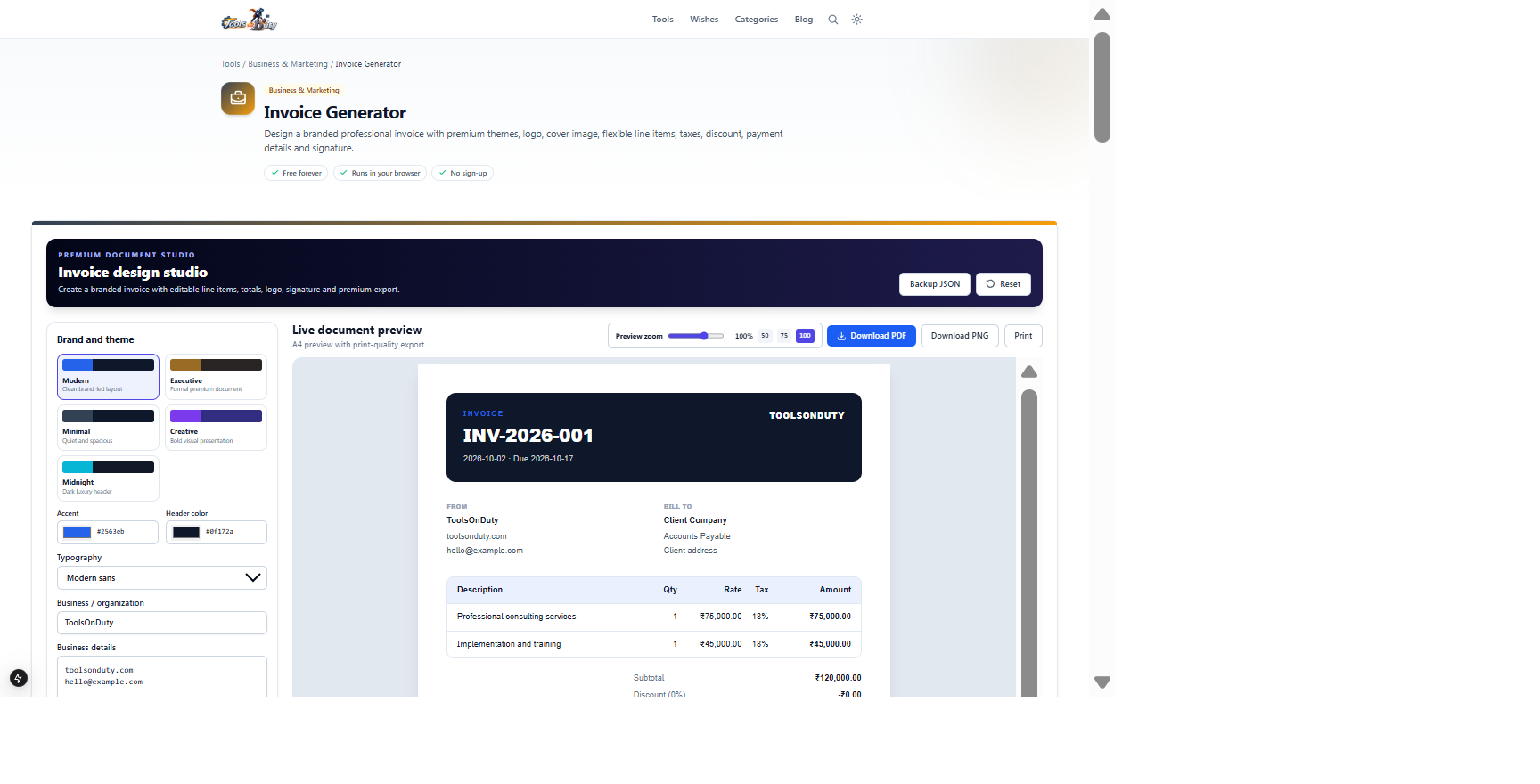
Business and client details, service rows, quantities, rates, taxes and payment instructionsA calculated A4 invoice with PDF, PNG, print and JSON exportsThe default invoice is fully populated. Change a quantity or rate to confirm subtotal, tax and final total behavior before entering real billing data.
Frequently asked questions
- Can I add my logo?
- Yes. Upload a PNG, JPEG or WebP logo up to 5 MB. You can also add a separate header image and signature or stamp.
- Can I add or remove invoice rows?
- Yes. Line items are flexible rows rather than formatted text. Every row contains description, quantity, rate, tax and a remove action.
- How are totals calculated?
- The studio calculates item subtotals, applies the percentage discount proportionally, calculates item taxes and adds any shipping or adjustment.
- Can I use another currency?
- Yes. Enter a valid three-letter code such as USD, EUR, GBP or INR.
- Does the tool guarantee tax compliance?
- No. Verify tax rates, required registration fields, numbering and invoice rules for your jurisdiction.
- Are invoice details uploaded?
- No. Drafts, images and exports are handled locally in your browser.
- Which exports are available?
- Download a PDF or high-resolution PNG, print through the browser, or save an editable JSON backup.
Continue your workflow
Open a related tool to prepare your files or refine the finished result.
- Featured toolBusiness & MarketingQuotation Generator
Design a premium branded quotation with themes, logo, flexible scope rows, taxes, discount, validity, assumptions and approval.
Open tool - Job & CareerFreelance Rate Calculator
Estimate sustainable hourly, day and project rates from income, costs, taxes and billable utilization.
Open tool - Business & MarketingProfit Performance Studio
Analyze gross, operating and net profit with a visual cost waterfall, margin breakdown and growth and downside scenarios.
Open tool