
Quotation Generator
Design a premium branded quotation with themes, logo, flexible scope rows, taxes, discount, validity, assumptions and approval.
About the Quotation Generator
Quotation Generator is a focused browser-based workspace for this task. Design a premium branded quotation with themes, logo, flexible scope rows, taxes, discount, validity, assumptions and approval.
The example is ready to edit, and your draft stays in local browser storage. Review the result before using it in a final academic, professional or commercial document.
Key features
- Modern, Executive, Minimal, Creative and Midnight themes
- Editable colors, typography, organization details and footer
- Company logo and header-image uploads
- Add and remove scoped pricing rows
- Quantity, rate and item tax controls
- Automatic subtotal, discount, tax, adjustment and total
- Prepared-for client block and validity date
- Scope assumptions, notes and commercial terms
- Optional approval signature or stamp
- A4 live preview
- PDF, PNG, print and JSON exports
- Private local autosave without a watermark
How to use
- 1Select a theme and configure your business branding.
- 2Enter quotation number, issue date, validity, currency and client information.
- 3Add all scoped items with quantity, rate and applicable tax.
- 4Review discount, assumptions, exclusions, notes and commercial terms.
- 5Add optional approval imagery, verify the commercial wording and export the quotation.
Examples
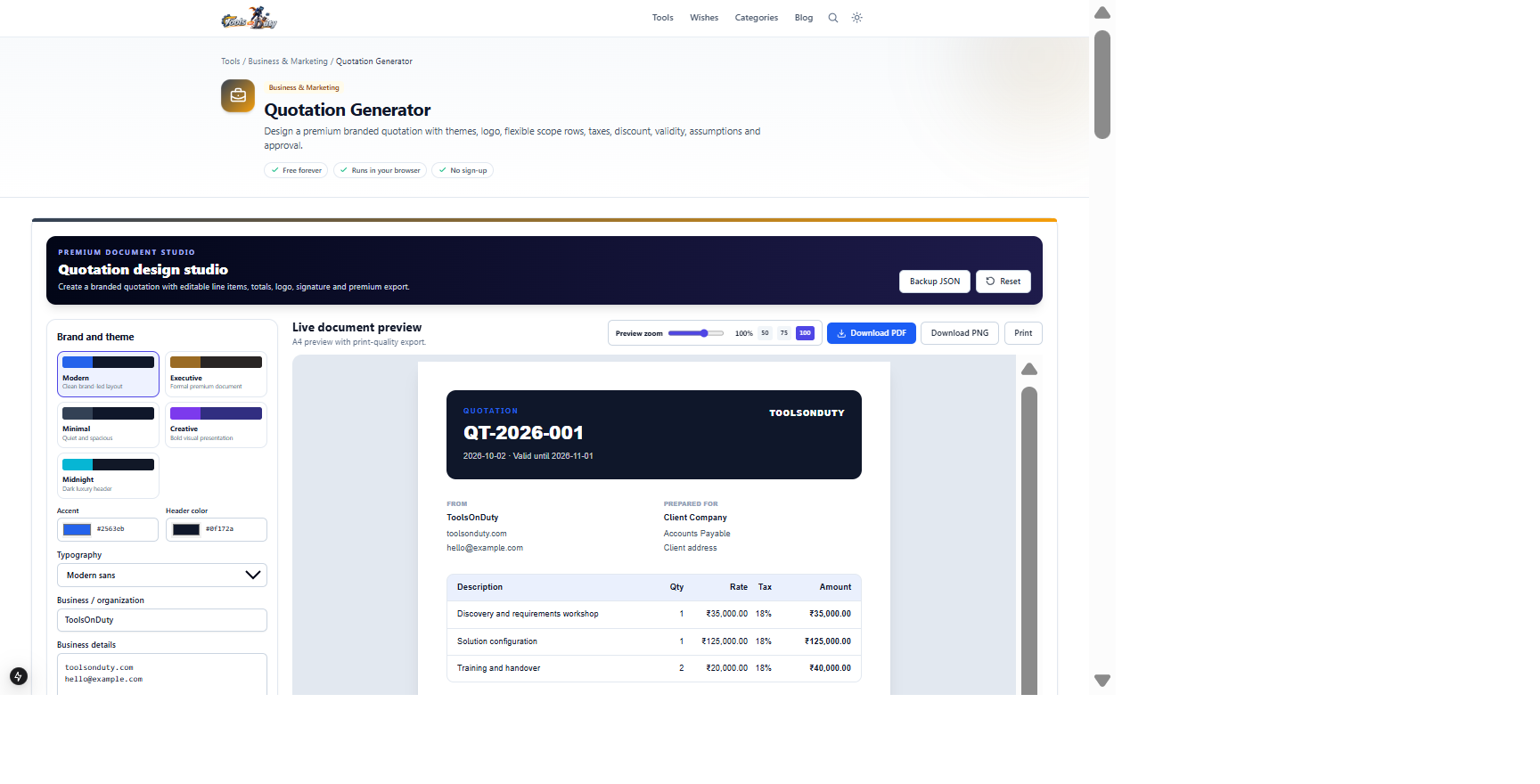
Client details, scoped items, validity, discount, tax, assumptions and approval termsA branded quotation with calculated commercial totalsStart from the populated example, review every scope and pricing row, then verify jurisdiction-specific tax and quotation requirements.
Frequently asked questions
- Can I customize the quotation design?
- Yes. Choose one of five themes, then customize brand colors, typography, logo, header image, organization details and footer.
- Can I add more scope rows?
- Yes. Add or remove any number of line items with separate description, quantity, rate and tax fields.
- How is quotation validity shown?
- Enter a Valid until date; it appears in the branded document header alongside the issue date.
- Can I include assumptions and exclusions?
- Yes. Use the scope assumptions, notes and terms fields to state inclusions, exclusions, dependencies and payment milestones.
- Is a quotation legally binding?
- Its legal effect depends on jurisdiction and acceptance circumstances. Obtain professional review for significant or unusual terms.
- Are details uploaded?
- No. Drafts, image handling and exports run locally in your browser.
- Which exports are included?
- PDF, high-resolution PNG, browser printing and editable JSON backup are available without a watermark.
Continue your workflow
Open a related tool to prepare your files or refine the finished result.
- Featured toolBusiness & MarketingInvoice Generator
Design a branded professional invoice with premium themes, logo, cover image, flexible line items, taxes, discount, payment details and signature.
Open tool - Featured toolBusiness & MarketingBusiness Proposal Builder
Create a premium branded proposal with themes, logo, cover image, persuasive narrative, flexible deliverables, milestones, itemized investment and approval.
Open tool - Business & MarketingPricing Strategy Studio
Build a complete product or service pricing strategy with dynamic costs, margin or markup targets, protected promotions, wholesale scenarios, market positioning and break-even analysis.
Open tool