
Product Scene Studio
Compose polished product scenes with reusable background presets, precise placement, controlled shadows and high-resolution exports.
Product commerce workspace
Product Scene Studio
Build polished product scenes locally with controlled backgrounds, placement and realistic shadows.
Live composition
Output
1200 × 1500
Placement
50% / 50%
Processing
Local browser
About the Product Scene Studio
Product Scene Studio turns a supplied product cutout into reusable creative assets without uploading the image or inventing product details. Choose a square, portrait or landscape canvas and compose the source against curated gradient or solid backgrounds.
Precise scale, horizontal position and vertical position controls make it possible to reserve space for campaign copy or align a product consistently across a visual series. Shadow strength and softness provide depth without permanently altering the source.
The workflow is deterministic rather than generative: every output is a composition of the image and settings you provide. PNG, JPG and reusable JSON settings can be exported directly from the browser.
Key features
- Square, portrait and landscape formats
- Curated gradient and solid backgrounds
- Custom background colour
- Precise scale and position controls
- Adjustable shadow strength and softness
- Live high-resolution Canvas preview
- PNG and JPG exports
- Reusable JSON settings
- Private local processing
How to use
- 1Upload a clean product photo; a transparent PNG works best.
- 2Choose the output format and background treatment.
- 3Adjust product size, position and shadow while reviewing the live preview.
- 4Confirm that labels, edges and colours remain accurate.
- 5Export PNG or JPG, and save settings when creating a repeatable visual series.
Examples
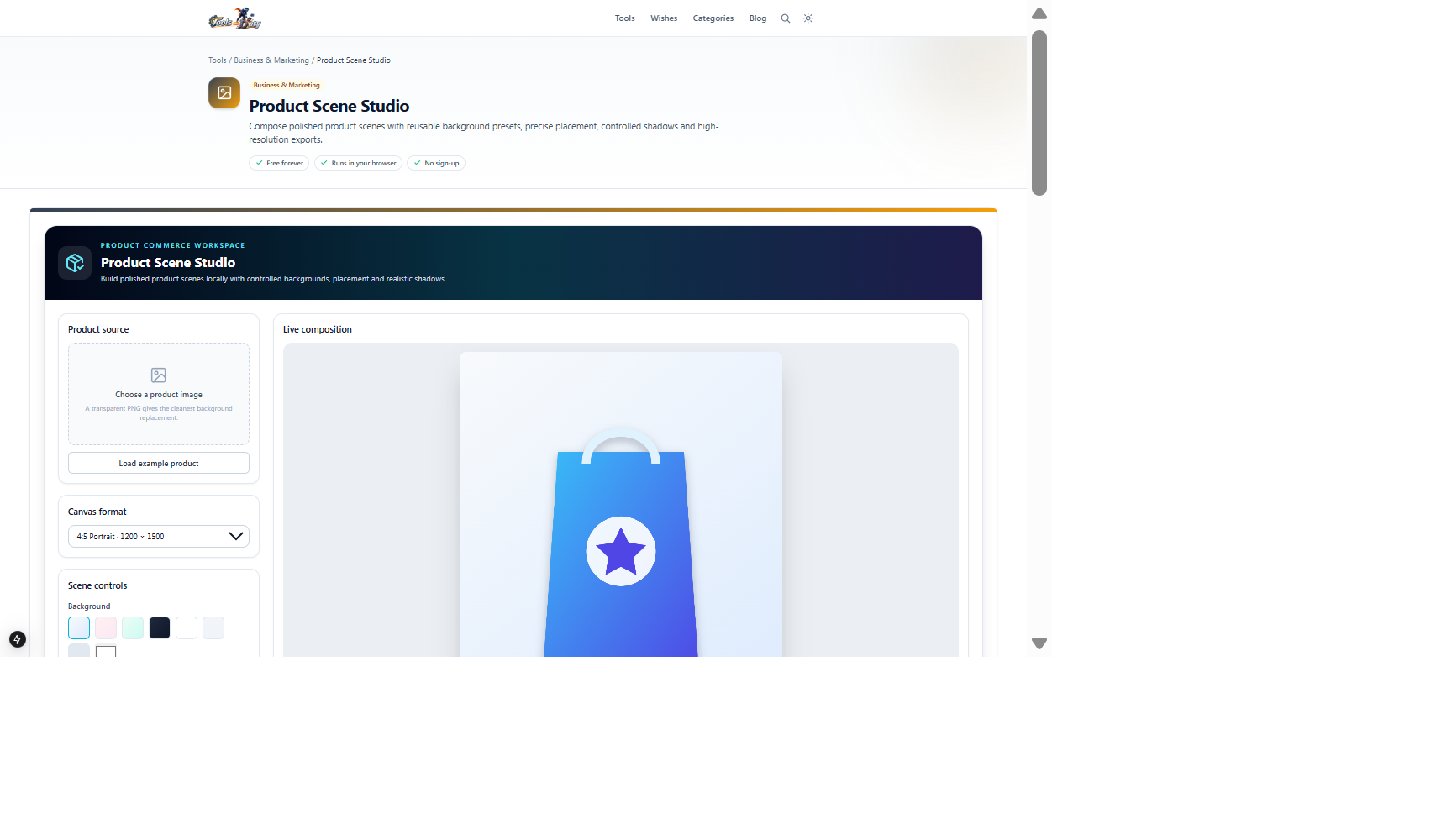
Transparent product cutout with a portrait canvas and Cloud background1200 × 1500 campaign-ready PNGClick Load example product inside the studio to recreate this composition, then change the background, framing and shadow.
Frequently asked questions
- Does this generate a completely new product photo?
- No. It is a controlled scene composer that formats the product image you supply and does not invent unseen product details.
- Why is a transparent PNG recommended?
- Transparency allows the selected background and shadow to appear cleanly around the product cutout.
- Are product images uploaded?
- No. Image loading, composition and export run in your browser.
- Can the output be used commercially?
- Yes if you hold the necessary rights to the product image, brand assets and any content you publish.
Continue your workflow
Open a related tool to prepare your files or refine the finished result.
- Featured toolImage ToolsBackground Remover
Remove the background from a photo with in-browser AI and download a transparent PNG.
Open tool - Business & MarketingProduct Photography Studio
Create consistent catalogue and marketplace product assets with exact dimensions, neutral backgrounds and controlled framing.
Open tool - Business & MarketingAmazon Listing Studio
Prepare a white-background main image, benefit-led listing copy and an actionable readiness review before Seller Central entry.
Open tool