
Product Photography Studio
Create consistent catalogue and marketplace product assets with exact dimensions, neutral backgrounds and controlled framing.
Product commerce workspace
Product Photography Studio
Compose consistent, high-resolution product assets for catalogues and marketplace listings.
Live composition
Output
1200 × 1200
Placement
50% / 50%
Processing
Local browser
About the Product Photography Studio
Product Photography Studio provides a controlled browser workspace for standardizing catalogue and marketplace images. It places your supplied product image on white or neutral backgrounds at repeatable output dimensions.
Use scale and position controls to keep a consistent visual footprint across an entire catalogue. Optional shadow controls can support channels that allow styled secondary images, while a zero-shadow white background remains available for stricter main-image requirements.
Marketplace policies vary by platform and category. The studio prepares the asset but does not claim approval; always compare the finished image with current seller guidance before publishing.
Key features
- 1200 × 1200 square output
- 1200 × 1500 portrait output
- 1600 × 900 landscape output
- White and neutral background presets
- Custom background colour
- Scale and position controls
- Optional studio shadow
- PNG, JPG and settings export
- Private browser processing
How to use
- 1Upload a clear product image, preferably with a transparent background.
- 2Select the dimensions required by the destination channel.
- 3Choose a white or neutral background.
- 4Adjust scale and placement consistently with the rest of your catalogue.
- 5Disable shadows where the destination requires a pure-white main image.
- 6Export and verify the current marketplace or retailer requirements.
Examples
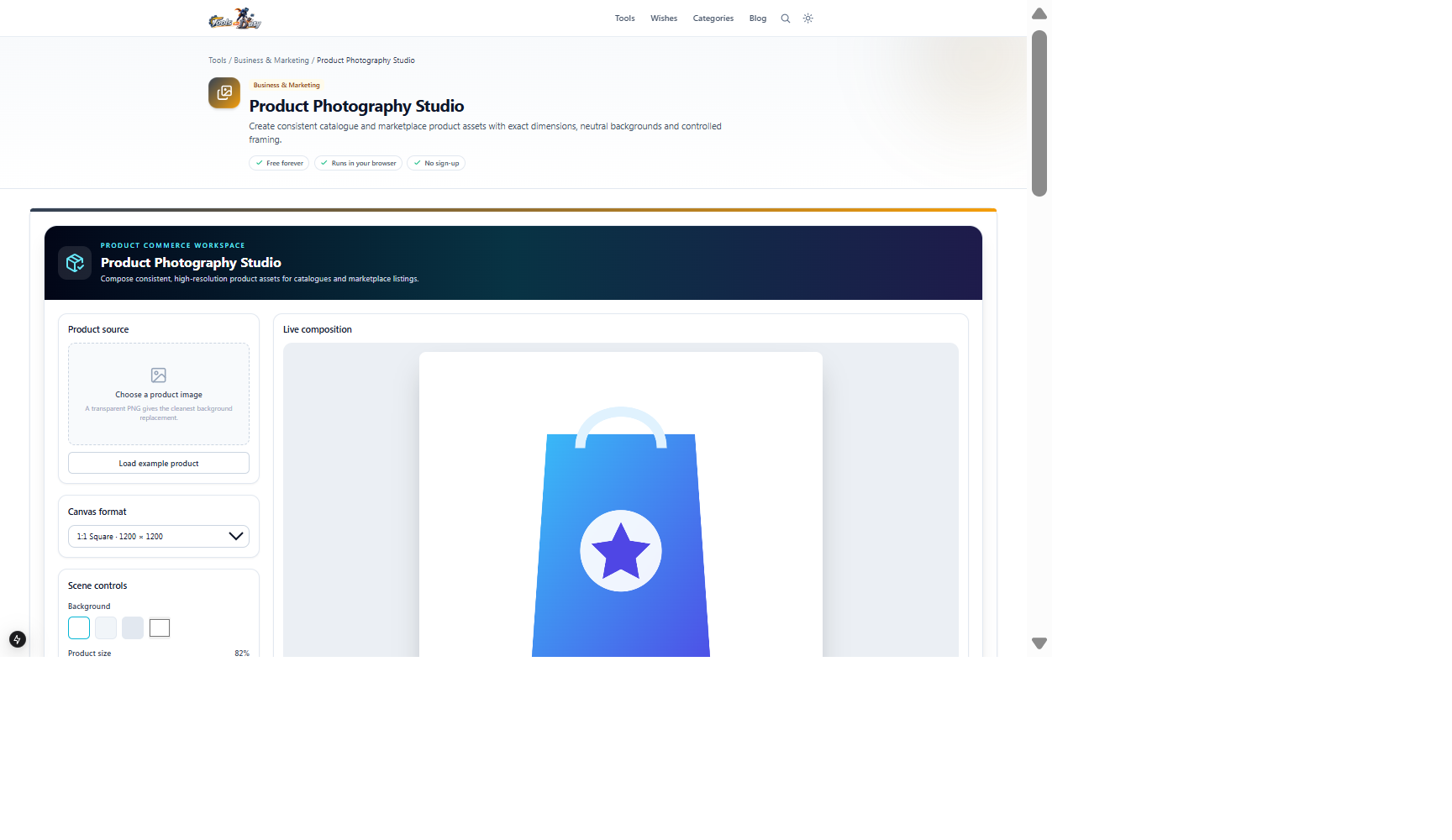
Transparent product PNG, square format, white background and 82% scaleConsistently framed 1200 × 1200 JPGClick Load example product to see the complete setup, then reuse exported settings for products with similar proportions.
Frequently asked questions
- Does this remove the original image background?
- No. Use the Background Remover first when you need a clean cutout before composition.
- Does a white background guarantee marketplace approval?
- No. Platforms also evaluate framing, product coverage, prohibited text, resolution and category-specific policies.
- Can I reuse the same framing?
- Yes. Export the settings JSON and apply the recorded values to the next product.
- Are images sent to a server?
- No. Composition and export happen locally.
Continue your workflow
Open a related tool to prepare your files or refine the finished result.
- Featured toolImage ToolsBackground Remover
Remove the background from a photo with in-browser AI and download a transparent PNG.
Open tool - Business & MarketingProduct Scene Studio
Compose polished product scenes with reusable background presets, precise placement, controlled shadows and high-resolution exports.
Open tool - Image ToolsImage Compressor
Shrink an image's file size with an adjustable quality slider and see how much you save.
Open tool