
Amazon Listing Studio
Prepare a white-background main image, benefit-led listing copy and an actionable readiness review before Seller Central entry.
Product commerce workspace
Amazon Listing Studio
Prepare a clean main image, structured listing copy and a practical pre-publish review package.
Main-image preview
Exports at 1200 × 1200 JPG on a pure-white background.
Listing identity
Benefit-led bullet points
Product description
0/2000
About the Amazon Listing Studio
Amazon Listing Studio brings the main image and core listing copy into one review workspace. Compose a 1200 × 1200 white-background image, then prepare the brand, title, benefit bullets, description and search terms beside it.
Character counters and readiness checks reveal incomplete sections before manual entry into Seller Central. The checks focus on practical completeness and do not claim compliance with every category, country or policy revision.
Export the main image separately and save structured listing data as JSON or readable TXT. All supplied product imagery and listing copy remain in the browser.
Key features
- 1200 × 1200 white-background main image
- Product scale and placement controls
- Brand and title fields
- Title character counter
- Dynamic benefit-led bullet points
- Description character counter
- Comma-separated search terms
- Five-part readiness review
- JPG, JSON and TXT exports
- Complete deterministic example
How to use
- 1Upload a clean product image or load the complete example.
- 2Adjust product size and position inside the square main-image canvas.
- 3Write a factual title that identifies the product and its important attributes.
- 4Complete at least five benefit-led bullet points without unsupported claims.
- 5Add a useful product description and relevant search terms.
- 6Resolve readiness warnings, then verify current Seller Central requirements before exporting.
Examples
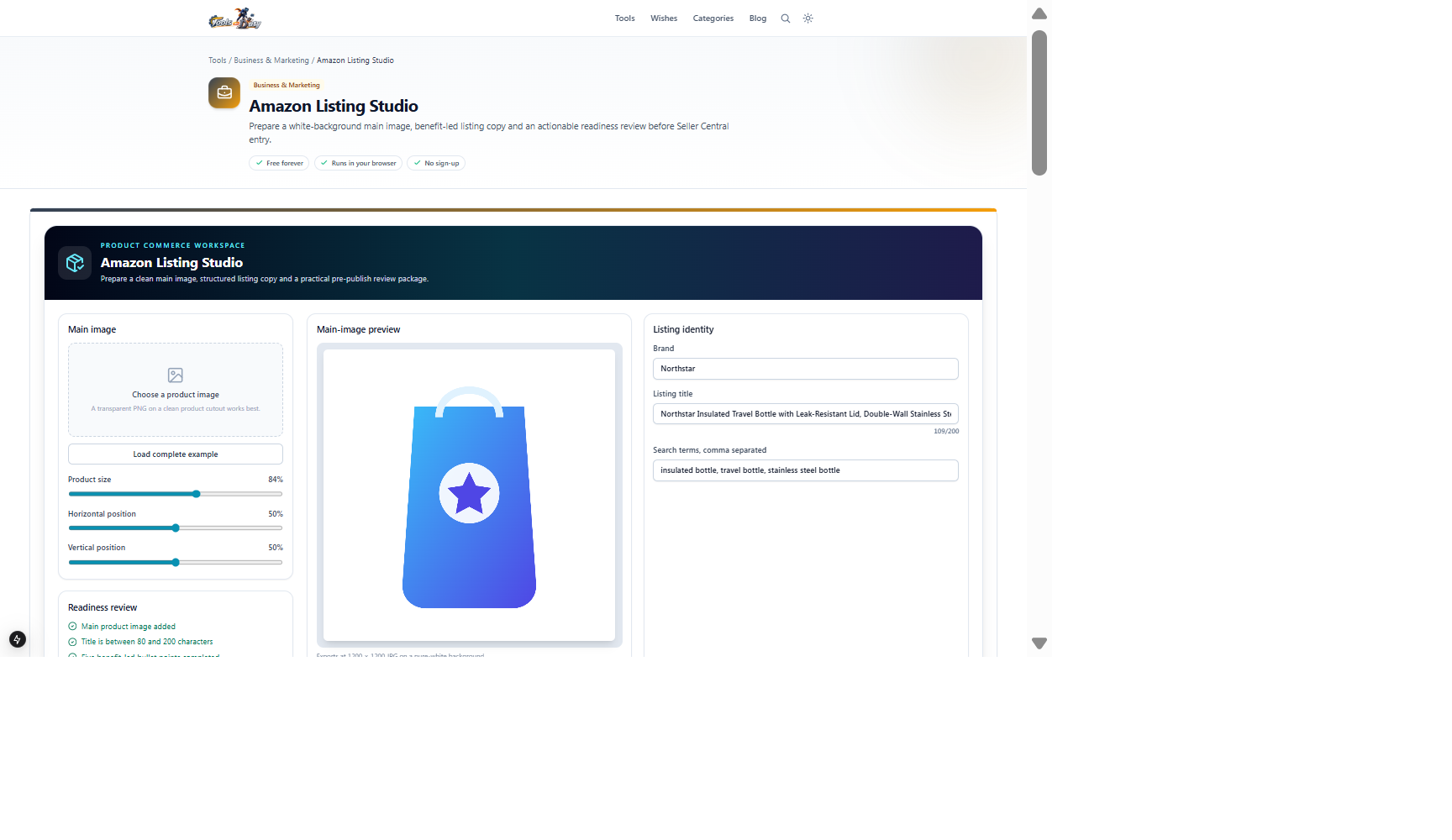
Product cutout, 109-character title, five benefit bullets, description and search terms1200 × 1200 JPG plus JSON and TXT listing filesClick Load complete example to inspect every populated field. Then replace the sample with factual product data and verify current Seller Central rules.
Frequently asked questions
- Does this publish directly to Amazon?
- No. It prepares files and structured copy for review and manual entry; it does not connect to Seller Central.
- Do the readiness checks guarantee approval?
- No. They check completeness only. Amazon policies and category limits can change.
- Does the tool write claims automatically?
- No. You remain responsible for factual, supportable product information.
- Is listing data uploaded?
- No. Image composition and copy preparation remain local to your browser.
Continue your workflow
Open a related tool to prepare your files or refine the finished result.
- Business & MarketingProduct Photography Studio
Create consistent catalogue and marketplace product assets with exact dimensions, neutral backgrounds and controlled framing.
Open tool - Business & MarketingProduct Scene Studio
Compose polished product scenes with reusable background presets, precise placement, controlled shadows and high-resolution exports.
Open tool - Image ToolsImage Compressor
Shrink an image's file size with an adjustable quality slider and see how much you save.
Open tool