
Marketing Calendar Studio
Build a structured cross-channel campaign roadmap with dates, owners, goals, status, budget and primary KPI tracking.
About the Marketing Calendar Studio
Marketing Calendar Studio replaces fragile pipe-delimited planning with structured campaign cards. Add, edit or remove initiatives using separate fields for date, channel mix, goal, status, owner, budget and primary KPI.
Campaigns are automatically presented chronologically in a professional roadmap. Summary metrics show planned budget, active owners, channel breadth and launch-ready initiatives.
Use the plan to coordinate campaign dependencies, creative deadlines, measurement ownership and team capacity. Drafts remain local and can be exported as PDF, CSV or editable JSON.
Key features
- Dynamic campaign add and remove controls
- Date, campaign and channel fields
- Goal, status and owner tracking
- Budget and primary KPI fields
- Automatic chronological roadmap
- Budget, owner and channel summaries
- Measurement and dependency reminders
- Local autosave and PDF, CSV, print and JSON exports
How to use
- 1Name the planning period and define the primary objective.
- 2Add each campaign and planned launch date.
- 3Assign channels, goal, status and accountable owner.
- 4Enter an approved or estimated budget and primary KPI.
- 5Review chronology, dependencies and measurement ownership before export.
Examples
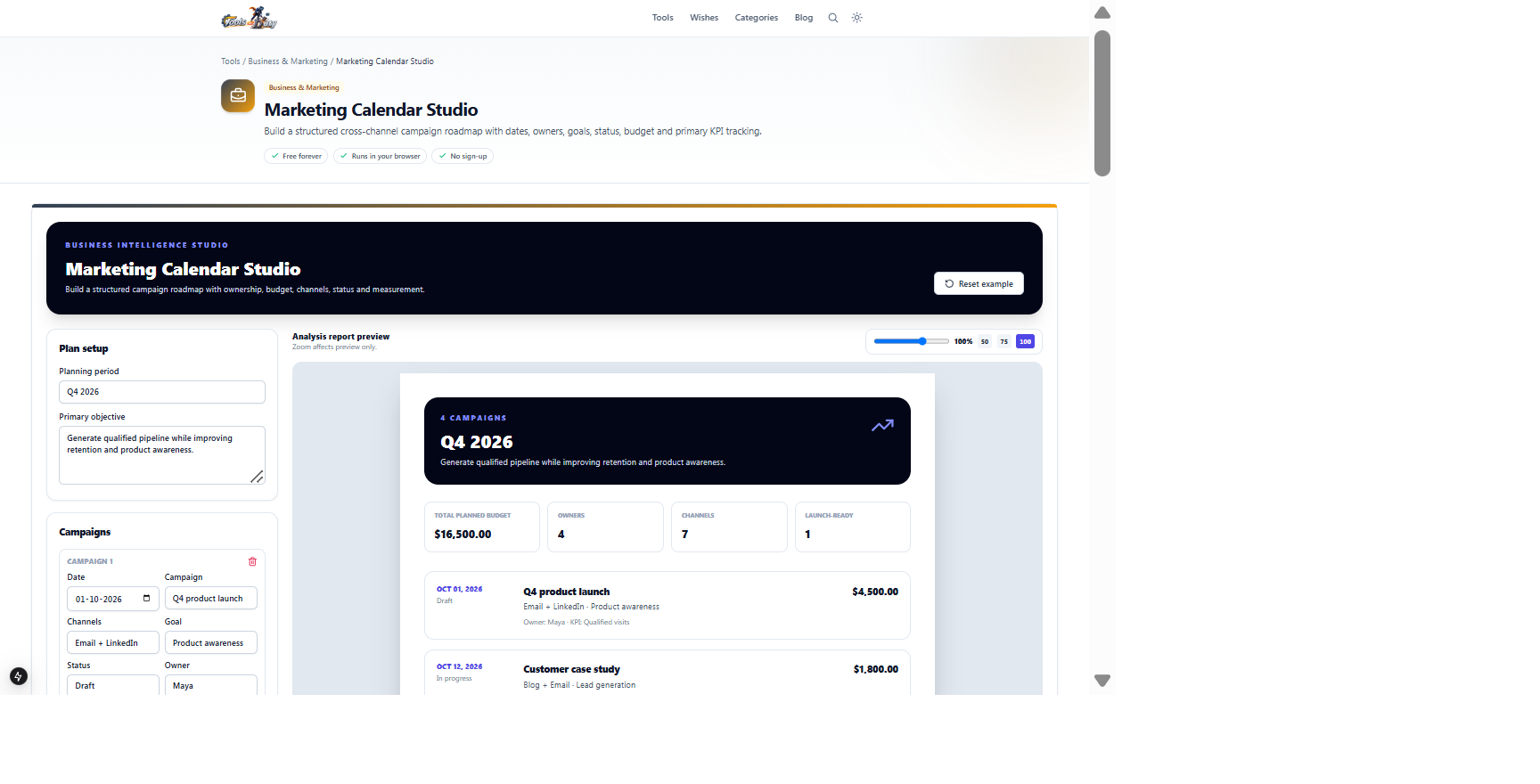
Campaign dates, channels, goals, owners, budgets, KPIs and workflow statusA chronological marketing plan with channel, budget and status summariesReview the example campaigns, then add or remove structured cards instead of maintaining a pipe-delimited text list.
Frequently asked questions
- Can I add or remove campaigns?
- Yes. Every campaign is a structured editable card with its own remove control.
- Are campaigns sorted by date?
- Yes. The report presents campaigns chronologically while keeping editor entries fully editable.
- Can I track budget?
- Yes. Add a budget per campaign and review the total planned amount.
- What should I enter as KPI?
- Choose the primary measurable outcome such as qualified leads, registrations, purchases or retained customers.
- Is the calendar uploaded?
- No. Drafts and exports remain local to your browser.
Continue your workflow
Open a related tool to prepare your files or refine the finished result.
- Social MediaContent Calendar Maker
Plan cross-platform posts by date, topic, format and workflow status in one calendar table.
Open tool - Business & MarketingROAS Campaign Studio
Evaluate campaign efficiency using platform ROAS, blended spend, gross margin, returns, fees and attribution stress scenarios.
Open tool - Featured toolBusiness & MarketingMeeting Agenda Maker
Design a branded, timed meeting agenda with premium themes, logo, cover image, movable agenda rows, preparation, decisions and action records.
Open tool