
Box & Carton Count Workspace
Create a verifiable box and carton count with numbered markers, correction controls and evidence exports.
Visual operations workspace
Box & Carton Count Workspace
Create a verifiable box count with numbered markers, correction controls and evidence exports.
Annotated review canvas
Choose an image or load the review example.
About the Box & Carton Count Workspace
Create a verifiable box and carton count with numbered markers, correction controls and evidence exports.
A generic browser detector does not contain a dependable dedicated carton class. This workspace therefore uses explicit numbered markers rather than presenting fabricated automatic results.
The review canvas separates model detections from human correction markers. Remove any false-positive detection, click the centre of missed items and use class totals where automatic classification is available.
Export the annotated PNG as visual evidence plus CSV or JSON audit data. Every operational count still requires review of image edges, occlusion, reflections, overlapping items and partially visible stock.
Key features
- Numbered click-to-count markers
- Undo and clear correction controls
- Detected, correction and reviewed totals
- Deterministic operational example
- Annotated PNG evidence
- CSV and JSON audit exports
- No unsupported automatic-detection claim
- Private browser processing
How to use
- 1Upload a clear overhead or front-facing image or load the review example.
- 2Follow a consistent scan path across rows or zones.
- 3Click the centre of every visible item to add a numbered marker.
- 4Undo the latest marker or clear corrections when reviewing mistakes.
- 5Recheck image edges, hidden items and overlapping stacks.
- 6Export the numbered PNG and CSV or JSON audit.
Examples
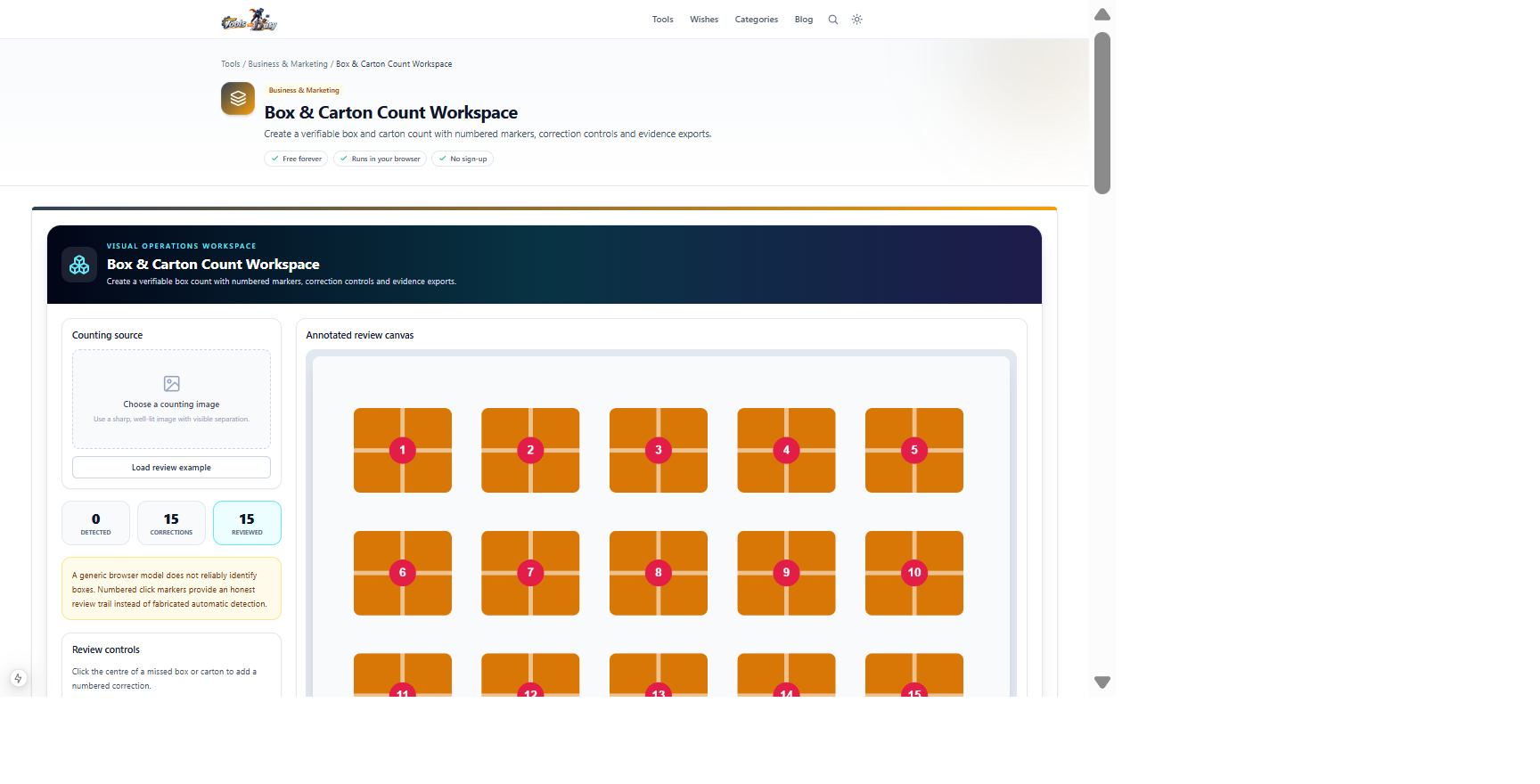
Fifteen separated carton illustrationsReviewed total, annotated PNG and CSV or JSON auditClick Load review example to reproduce this state without downloading the detector. Replace it with a real operational image and verify every visible item.
Frequently asked questions
- Is the reviewed count guaranteed?
- No. A human must still inspect occluded, overlapping, reflected and partially visible items before operational use.
- Why is automatic detection unavailable?
- The generic model does not have a sufficiently reliable dedicated class for these items, so numbered human markers provide a more honest workflow.
- Can false detections be removed?
- Markers can be undone one at a time or cleared before recounting.
- Does the image leave the browser?
- No. Image drawing, markers and exports remain in the browser.
- Which evidence exports are available?
- Download an annotated PNG plus CSV and JSON audit records containing the reviewed count evidence.
Continue your workflow
Open a related tool to prepare your files or refine the finished result.
- Business & MarketingImage to Spreadsheet Studio
Extract a photographed table locally, compare it with the source image, correct individual cells and export a reviewed Excel workbook.
Open tool - Business & MarketingReceipt Review Studio
Extract receipt fields and line items locally, compare them beside the source image, correct errors and run arithmetic validation before export.
Open tool - Image ToolsImage Compressor
Shrink an image's file size with an adjustable quality slider and see how much you save.
Open tool