
Inventory Count Review Studio
Detect supported retail and household classes, review class totals and correct missed inventory manually.
Visual operations workspace
Inventory Count Review Studio
Detect supported retail and household items, review class totals and correct missed stock manually.
Annotated review canvas
Choose an image or load the review example.
About the Inventory Count Review Studio
Detect supported retail and household classes, review class totals and correct missed inventory manually.
Automatic detection is an optional first pass, not a final count. TensorFlow.js and COCO-SSD load from jsDelivr only when detection starts, then inference runs in the browser. The model recognizes a limited set of common classes and can miss, duplicate or misclassify visible items.
The review canvas separates model detections from human correction markers. Remove any false-positive detection, click the centre of missed items and use class totals where automatic classification is available.
Export the annotated PNG as visual evidence plus CSV or JSON audit data. Every operational count still requires review of image edges, occlusion, reflections, overlapping items and partially visible stock.
Key features
- Opt-in local COCO-SSD detection
- Detection confidence and class labels
- Remove individual false positives
- Numbered missed-item correction markers
- Detected, correction and reviewed totals
- Detected-class summary
- Deterministic review example
- Annotated PNG evidence
- CSV and JSON audit exports
- Private browser inference after model download
How to use
- 1Upload a sharp image with visible separation or load the review example.
- 2Optionally run supported-class detection; the model files download only when requested.
- 3Inspect every numbered box and remove false-positive detections.
- 4Click the centre of each missed item to add a correction marker.
- 5Compare the class summary with the visible scene.
- 6Export PNG, CSV and JSON evidence only after human review.
Examples
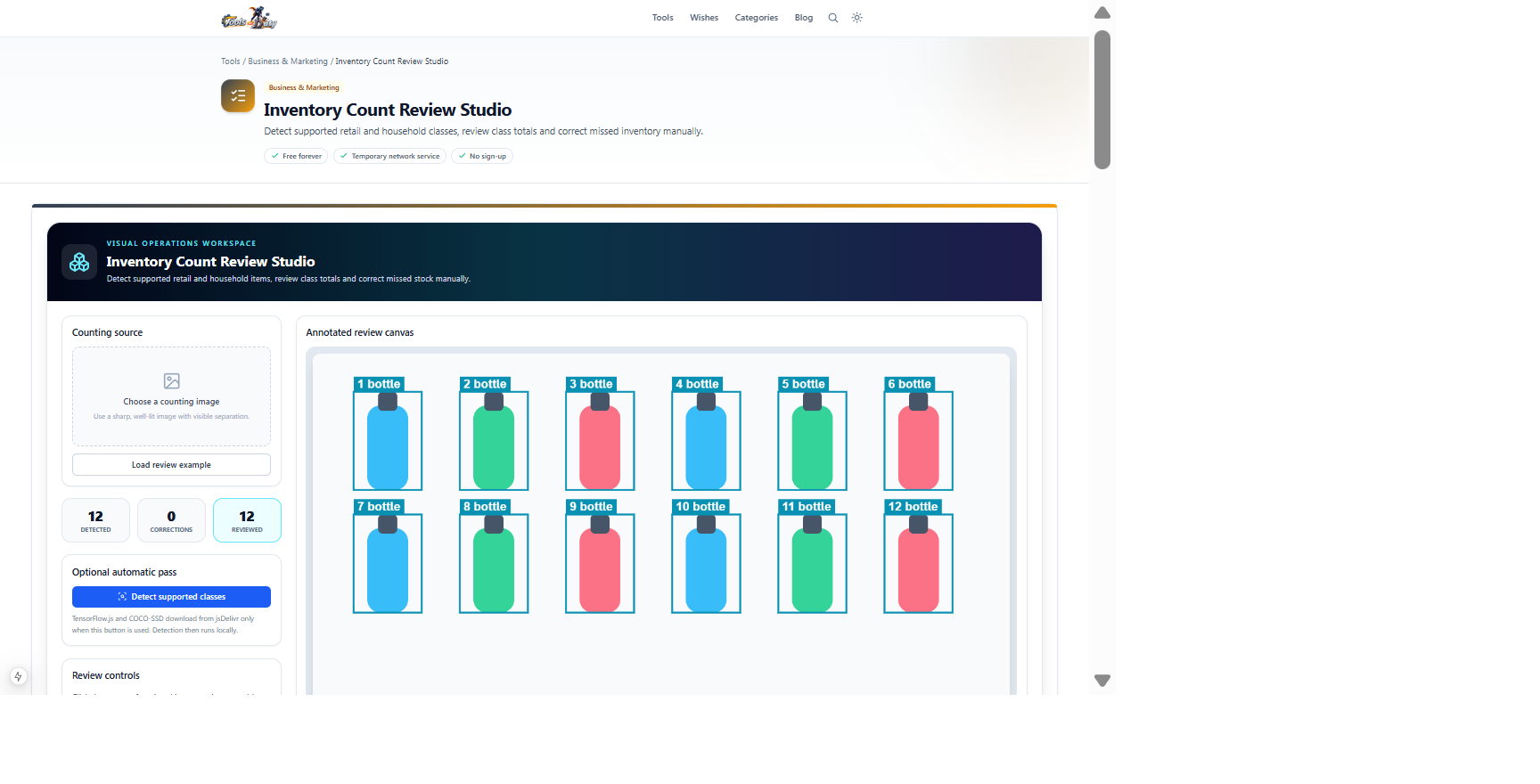
Twelve separated bottle-like inventory itemsReviewed total, annotated PNG and CSV or JSON auditClick Load review example to reproduce this state without downloading the detector. Replace it with a real operational image and verify every visible item.
Frequently asked questions
- Is the reviewed count guaranteed?
- No. A human must still inspect occluded, overlapping, reflected and partially visible items before operational use.
- Which objects can the detector recognize?
- COCO-SSD recognizes a limited set of common classes. It is not a universal warehouse, retail or specialist inventory model.
- Can false detections be removed?
- Yes. Every automatic detection appears in a review list with a remove action. Missed items can be added as manual numbered markers.
- Does the image leave the browser?
- The image remains local. TensorFlow.js, COCO-SSD and model files load from jsDelivr only when automatic detection is requested.
- Which evidence exports are available?
- Download an annotated PNG plus CSV and JSON audit records containing the reviewed count evidence.
Continue your workflow
Open a related tool to prepare your files or refine the finished result.
- Business & MarketingImage to Spreadsheet Studio
Extract a photographed table locally, compare it with the source image, correct individual cells and export a reviewed Excel workbook.
Open tool - Business & MarketingReceipt Review Studio
Extract receipt fields and line items locally, compare them beside the source image, correct errors and run arithmetic validation before export.
Open tool - Image ToolsImage Compressor
Shrink an image's file size with an adjustable quality slider and see how much you save.
Open tool